Mounting Ubiquiti Equipment: The Best Mounting Solutions
Looking for the perfect mount for your Ubiquiti access point or camera? Discover professional mounting solutions for UniFi, AmpliFi, and other Ubiquiti products.
Dennis
3Dennis
Contents
Ubiquiti has conquered the networking world with their professional yet affordable equipment. From UniFi access points to security cameras - more and more home users and businesses are choosing Ubiquiti. But the included mounting solutions sometimes leave something to be desired.
At 3Dennis, we’re big Ubiquiti fans ourselves and have developed a complete line of mounting solutions. In this article, we share our experience with mounting Ubiquiti equipment.
Why Ubiquiti is so popular
Ubiquiti offers enterprise-level networking equipment at a fraction of the price of traditional brands like Cisco or Aruba. The UniFi ecosystem is particularly attractive: one controller manages all your equipment, from access points to switches to cameras.
The build quality is excellent and the design is sleek. Ubiquiti products look good, even when visibly mounted. This is refreshing compared to the ugly plastic boxes from many competitors.
Access points: ceiling or wall?
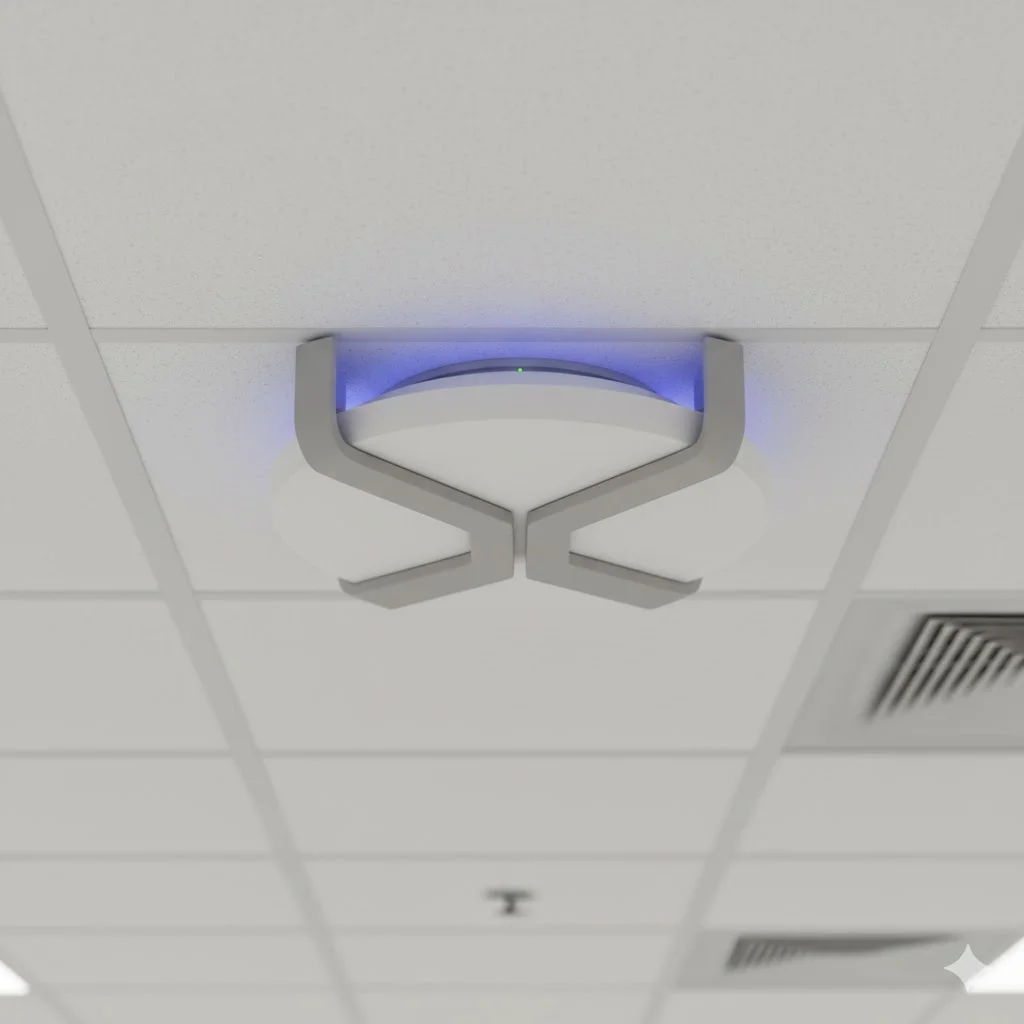
Most UniFi access points are designed for ceiling mounting. This is also the ideal position for WiFi coverage - the signal spreads like an inverted umbrella downward.
Ceiling mounting
The included ceiling bracket works, but has limitations. With drop ceilings it’s fine, but with concrete or wooden ceilings installation is trickier.
Our tip: use a sturdy mounting point and make sure you can access the ports and reset button when needed. Nothing is more annoying than having to get a ladder because your access point fell off the network.
For concrete ceilings, we’ve developed mounts that distribute weight better and are easier to install than the standard option. The access point clicks on and off without tools.
Wall mounting
Sometimes ceiling mounting isn’t an option. In that case, wall mounting also works, provided you choose the right height. Mount the access point at minimum 2 meters height for optimal coverage.
Pay attention to orientation. Some access points have a preferred position for wall mounting that optimally aims the antennas. Check the documentation or experiment with a temporary setup.
Pole and stand mounting
For outdoor installations or temporary setups, pole and stand mounts are handy. Ubiquiti provides options for this, but aftermarket mounts often offer more flexibility in angle and position.
Cameras: finding the perfect angle
UniFi Protect cameras are fantastic, but the mounting determines whether your recordings are usable or not. A few degrees difference in angle can be the difference between recognizing a face or only seeing a hat.
The basics: height and angle
Mount cameras at 2.5-3 meters height for a good balance between overview and detail. Higher gives more overview but less detail; lower gives detail but limited view.
Aim the camera slightly downward (15-30 degrees) to capture faces rather than scalps. Avoid direct sunlight in the lens - this causes overexposure and glare.
Specific mounting situations
Eaves or overhang - Ideal for outdoor cameras. Protects against direct rain and sun.
Wall mounting - Good for entrances and narrow spaces. Consider an arm mount for more flexibility in angle.
Corner position - Gives the widest view. Special corner mounts make this easy without ugly constructions.
Indoor ceiling mounting - Discrete option for shops and offices. Account for reflections on glass surfaces.
UniFi Dream Machine and other routers
The UniFi Dream Machine (UDM) and Dream Router are all-in-one devices combining router, switch, and controller. They’re meant to sit on a desk, but not everyone wants a router visible in the living room.
Hidden placement
The UDM can be placed in a utility closet or server cabinet just fine. Do pay attention to ventilation - the device produces heat that needs to escape. Ensure at least 5cm of space around it.
Wall mounting
We supply wall mounts for the UDM that hold the device vertically against the wall. This saves desk space and keeps cables tidy. The mount is designed so ventilation isn’t obstructed.
Switches and other equipment
UniFi switches are compact and beautiful, but where do you put them? In a server rack the choice is simple - rack mounts are standard. But in a home environment or small office without a rack?
Desktop setup
Fine for a switch or two. Don’t stack them directly on top of each other without spacing - heat is the enemy of electronics.
Wall mounting
With the right mounts, you can hang switches neatly on the wall, cables running down. This is our favorite solution for utility closets and small server rooms. Less dust than on a shelf and more accessible.
Our Ubiquiti mounting solutions
At 3Dennis, we’ve developed, tested, and optimized a complete range of Ubiquiti mounts:
- Access point mounts for ceiling and wall
- Camera mounts for various angles and surfaces
- Dream Machine and Dream Router wall mounts
- Switch mounts for wall installation
- Combo mounts for multiple devices
Everything printed in PETG for maximum durability, even with heat-producing equipment.
Check out our Ubiquiti collection or contact us for a custom solution that fits your exact situation.
Installation tips
A few final tips for a professional Ubiquiti installation:
Use PoE wherever possible. One cable for power and data is much neater than two. Most UniFi equipment supports PoE.
Plan your cables in advance. Where are the cables coming from? How do you route them away? An hour of planning prevents hours of frustrated drilling and chasing.
Test before you permanently mount. Temporarily hang the access point with tape, walk through your house with a WiFi analyzer app, and optimize position before you start drilling.
Document your installation. Photos of where cables run, a diagram of your network - your future self will thank you.
Keep reading
B2B 3D Printing: How Businesses Save Time and Money with Custom Parts
Discover how businesses save costs with 3D printed parts. From prototypes to production runs - the business benefits of 3D printing explained.
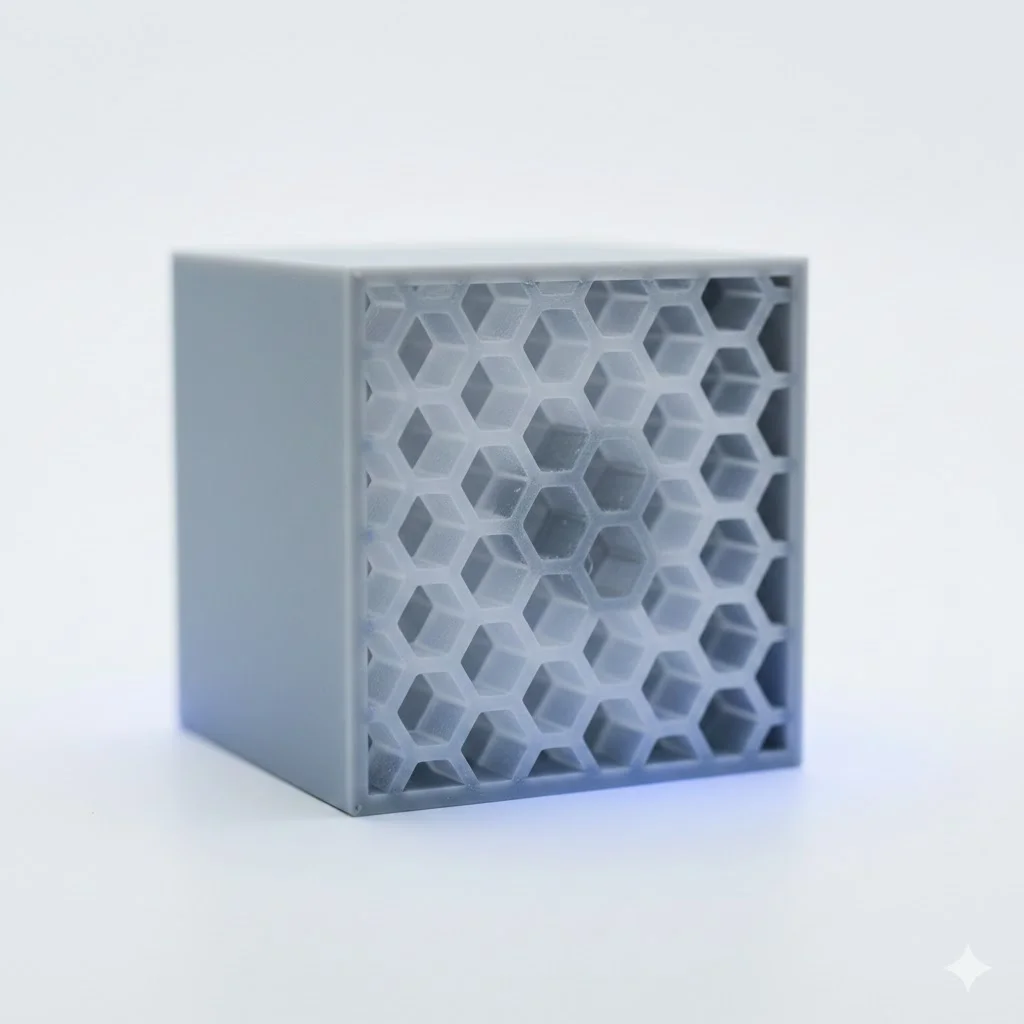
Choosing the Right Infill Percentage: A Complete Guide
How much infill does your 3D print really need? Learn when to use 20%, 50%, or 100% infill for optimal strength, weight, and print time.
Custom Enclosures: 3D Printing vs Injection Molding - The Honest Comparison
When do you choose 3D printed enclosures and when injection molding? A practical comparison of costs, lead times, and quality for businesses.
Need help with your project?
Contact us for custom 3D prints or B2B services.